German ePA (Electronic Patient Record): Expat Guide & How to Opt-Out
Since 15 January 2025 Germany runs an opt-out system for the ePA: your statutory health insurer creates an electronic patient record for you unless you object under § 342 SGB V. Here is what the ePA stores, how to opt out, and how to control which doctors see what.
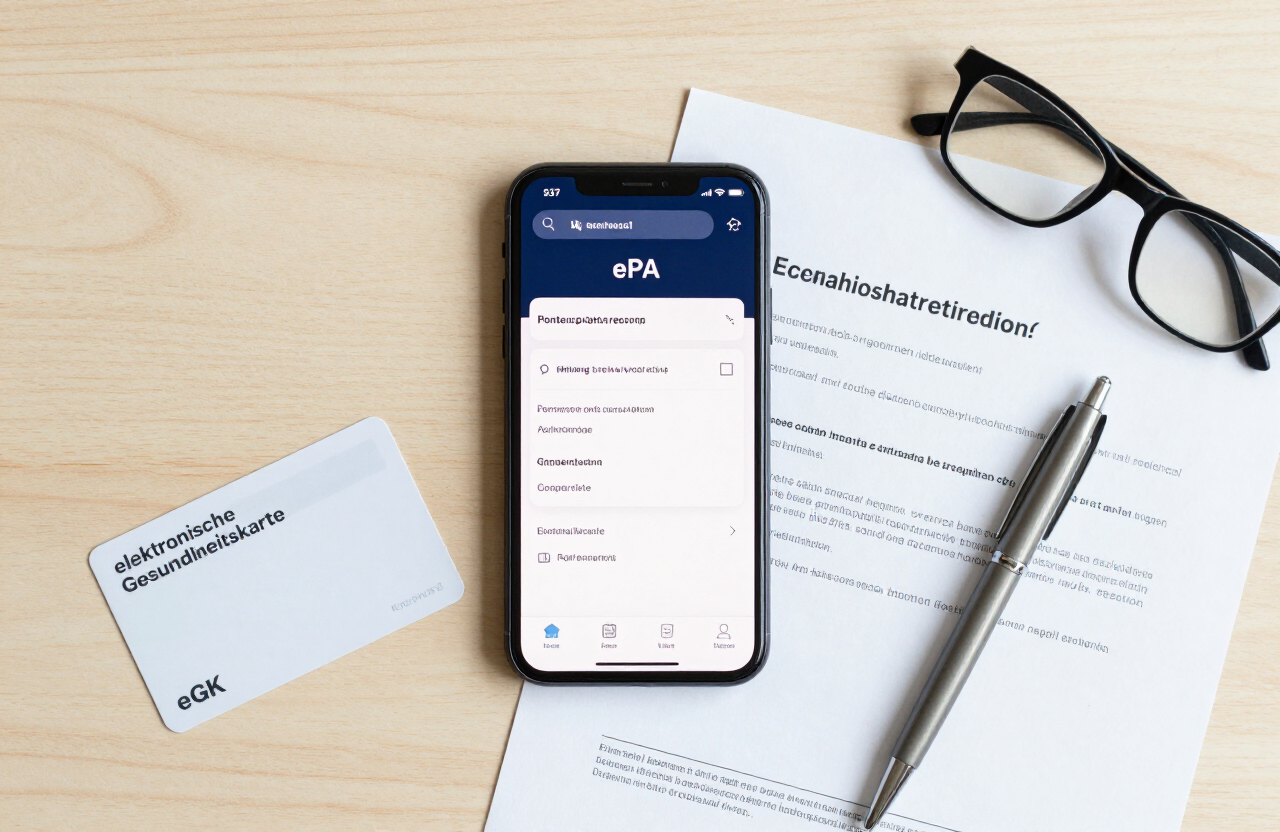
Important: Germany operates an Opt-Out system for the ePA. Unless you object, your statutory health insurance provider (Techniker Krankenkasse, Barmer, DAK or AOK) automatically creates an ePA file for you.
If you are insured with a German statutory health insurer (gesetzliche Krankenkasse), a digital file called the elektronische Patientenakte — the ePA — is being created for you automatically. You did not sign up for it, and nobody asked your permission first. That is because since 15 January 2025 Germany runs the ePA under an opt-out model known as "ePA für alle": your insurer sets up the record by default, and the only way to prevent it is to actively object. This guide explains what the ePA actually stores, the privacy trade-offs every expat should weigh, and the exact steps to opt out or to keep the ePA but tightly control which doctors can see what.
What is the Elektronische Patientenakte (ePA)?
The ePA is a personal, encrypted electronic health record hosted inside Germany's secure Telematikinfrastruktur (TI). Each statutory health insurer — Techniker Krankenkasse (TK), Barmer, DAK-Gesundheit, AOK and the many Betriebskrankenkassen — must offer one to every insured person. You reach it through your insurer's app: the TK-App (with TK-safe), BARMER eCare, the DAK ePA app, or AOK Mein Leben. The record is meant to follow you across doctors, hospitals and pharmacies so that each provider sees the same up-to-date picture instead of starting from a blank page.
The legal basis is § 342 of the Fifth Social Code (SGB V). Until 14 January 2025 an ePA was created only on request. From 15 January 2025 the rules flipped: under § 342 Abs. 1 Satz 2 SGB V your Krankenkasse must inform you in advance (under § 343 SGB V) that an ePA will be created for you, and if you do not lodge a formal objection (a Widerspruch) within six weeks, the ePA is set up automatically. In other words, silence counts as consent. The same opt-out logic applies when you newly join a German statutory insurer after arriving in the country.
One important caveat for expats: the rollout has been staggered. Not every insurer had a fully certified ePA app ready on day one — several major apps were only approved by gematik during 2025, and the system remains politically debated. So your ePA may not exist yet, or may exist but not be fully usable, depending on your Krankenkasse. The opt-out right still stands regardless; if you want to object, do it in writing so it takes effect whenever your insurer does create the record.
Key Benefits and What Information is Stored
The ePA is designed to give treating doctors a faster, more complete view of your medical history than a folder of printouts ever could. The main practical benefits for an expat juggling unfamiliar specialists, pharmacies and insurance paperwork are:
- Electronic medication plan (eMP): a curated list of your medications with dosages, which supports automated checks for dangerous drug interactions (Arzneimitteltherapiesicherheit) across different specialists.
- Electronic medication list (eML): an automatic list of every medication prescribed to you via E-Rezept and dispensed by a pharmacy — built without you lifting a finger.
- Lab results and imaging: blood tests, X-rays and scans that attending doctors can pull up directly instead of waiting for you to carry printed copies between clinics.
- Sick notes (eAU): the elektronische Arbeitsunfähigkeitsbescheinigung can be stored in the ePA and sent electronically to your employer.
- Vaccination records and the dental bonus booklet (Bonusheft): backed up digitally in one place, so a lost paper card no longer erases your vaccination history.
- Doctor letters and discharge summaries: specialist reports and hospital discharge notes collected centrally for your next appointment.
You decide which of these documents are stored — doctors and insurers feed data in, but you can delete entries or block entire categories at any time. All activity in the ePA is logged, and that access log is kept for three years so you can see exactly who viewed your data and when. The medical data itself has no fixed deletion deadline and can in principle be stored for life. One privacy point to weigh: from around mid-2025, ePA data is also shared in pseudonymised form (a code instead of your name) with the Forschungsdatenzentrum Gesundheit at the BfArM for medical research. You can object to this research use separately, even if you keep your ePA.
Privacy Concerns and How to Opt-Out (Widerspruch)
Not everyone wants their medical history stored centrally, even encrypted. If you would rather your diagnoses, prescriptions and doctor letters stayed only with the practices that created them, you have a clear legal right to object under § 342 SGB V. The objection is called a Widerspruch, and you can make it at any time — before the ePA is created, or afterwards to have an existing record deleted. There are two practical routes.
- 01
Option A — Object inside your insurer's ePA app
Open your Krankenkasse's app (for example the TK-App, BARMER eCare, the DAK ePA app or AOK Mein Leben) and sign in. Look for the ePA section and its data-protection or privacy settings; the app must let you object to the creation and continued storage of the ePA, and to the automatic feeding-in of E-Rezept data. Submit the objection there and screenshot the confirmation. The exact menu labels differ between insurers, so if you cannot find it, search the app for "Widerspruch" or "ePA ablehnen".
- 02
Option B — Send a written Widerspruch to your Krankenkasse
If you do not use the app, or simply want a paper trail, send a signed written objection quoting § 342 SGB V directly to your Krankenkasse — by post or through their insured portal. Use the copy-paste template below, fill in your insurance number (Versichertennummer) and details, and keep a copy with proof of postage. Your Krankenkasse must confirm in writing that no ePA will be created and that any data already stored will be deleted.
- 03
What the Ombudsstelle is (and is not) for
Every Krankenkasse runs an Ombudsstelle (ombudsman office) under § 342a SGB V. It is mainly there for insured people who do not use the digital app — for example to object to a specific doctor's access to the ePA, or to raise use-case objections. It is not the primary place to file your initial opt-out; that objection goes to your Krankenkasse directly, via the app or in writing. If you cannot use the app and need help exercising your rights, the Ombudsstelle is your contact point.
Before you decide, compare the three realistic positions. You do not have to choose between "everything visible" and "no ePA at all" — the middle option, keeping the ePA but curating access, is where most privacy-conscious expats land.
| Aspect | Full ePA Participation | Partial Access Control | Complete Opt-Out (Widerspruch) |
|---|---|---|---|
| Is an ePA created? | Yes, automatically | Yes, automatically | No — you objected |
| What doctors can see | All stored documents, with your consent per access | Only the categories or documents you release | Nothing — no ePA exists |
| Default access window | 90 days, adjustable | 90 days, adjustable; sensitive entries hidden | Not applicable |
| Research data use | Pseudonymised sharing unless you object | Pseudonymised sharing unless you object | No data to share |
| Privacy level | Standard | High — you curate it | Maximum |
| Best for | Expats who want continuity of care across providers | Those with sensitive diagnoses they want to control | Those who want no central health record at all |
Copy-paste Widerspruch letter (German + English)
Send this signed letter to your Krankenkasse to object to the ePA under § 342 SGB V. Replace every [bracketed] field with your own details. The German text is what your insurer needs; the English translation is for your own records.
Betreff: Widerspruch gegen die Einrichtung einer elektronischen Patientenakte (ePA) gemäß § 342 SGB V
Sehr geehrte Damen und Herren,
hiermit widerspreche ich gemäß § 342 SGB V der Einrichtung einer elektronischen Patientenakte (ePA) für meine Person.
Ich bitte Sie, keine ePA für mich anzulegen und etwa bereits gespeicherte Daten unverzüglich zu löschen. Ebenso widerspreche ich der Übermittlung und Speicherung von Daten aus dem E-Rezept in einer ePA.
Meine Angaben:
Versichertennummer: [Ihre Versichertennummer]
Name: [Ihr vollständiger Name]
Geburtsdatum: [TT.MM.JJJJ]
Anschrift: [Straße, PLZ, Ort]
Bitte bestätigen Sie mir den Eingang und die Umsetzung dieses Widerspruchs schriftlich.
Mit freundlichen Grüßen
[Ihr Name]
---
Dear Sir or Madam,
I hereby object, pursuant to § 342 SGB V, to the creation of an electronic patient record (ePA) for me.
I ask you not to create an ePA for me and to delete any data already stored without delay. I likewise object to the transmission and storage of data from electronic prescriptions in an ePA.
My details:
Insurance number: [your insurance number]
Name: [your full name]
Date of birth: [DD.MM.YYYY]
Address: [street, postcode, city]
Please confirm receipt and implementation of this objection in writing.
Kind regards,
[your name]
Managing Doctor Access Rights in the App
You do not have to opt out completely to protect your privacy. The ePA is built around your consent: no doctor can open your record unless you authorise it, and you can grant access to specific documents or categories rather than the whole file. This is the option most expats overlook — a curated ePA gives you the continuity benefits without exposing every sensitive entry.
Under § 342 Abs. 2 SGB V the system sets a technical default for how long a doctor's access lasts. For the opt-out ePA, the standard access window for most treating providers is 90 days; for a narrower group of providers it defaults to three days. Crucially, that 90-day figure is only the preset — you can change it yourself, from a minimum of one day up to an unlimited period, each time you grant access. So treat 90 days as the starting default, not a fixed rule, and shorten it for a one-off appointment or extend it for your long-term GP.
- Grant access per doctor visit from within the app, choosing which document categories (for example lab results, imaging, or medication) to release.
- Hide individual sensitive diagnoses or letters from view while leaving the rest of the record available — useful for keeping a specialist from seeing unrelated history.
- Set a custom access duration each time, from one day upward, instead of accepting the 90-day default.
- Review the access log regularly to see which provider accessed which document and when; the log is kept for three years.
- Revoke an existing access right at any time if you change your mind about a particular practice.
The exact menu names and screens differ between the TK-App, BARMER eCare, the DAK app and AOK Mein Leben, and the features continue to be rolled out in stages. If a setting described here is not yet visible in your app, check your insurer's ePA help page or contact their Versichertenservice — the underlying rights exist in law even when the app has not caught up. Your health insurance contributions show up on your German payslip, so it is worth understanding what you are paying for.
Download our free German Widerspruch template for health insuranceOpen the Tools & Templates hub for copy-paste German lettersFrequently asked questions
Reviewed by German Expat Health Insurance & Relocation Specialists
This guide is informational, based on § 342 and § 343 SGB V and publicly available gematik guidance; it is not formal legal or medical advice and creates no adviser-client relationship. The ePA rollout is ongoing and insurer apps differ — always confirm the current status and menu steps with your Krankenkasse before acting.